
Cybersecurity isn’t just about firewalls, antivirus software, or fancy tools running quietly in the background. One of the most important defenses any organization has is its people.
That’s why we and our clients participate in monthly user awareness training. These short, consistent trainings are designed to keep cybersecurity top of mind and help users recognize threats before they turn into real problems.
Rather than a one‑time annual requirement, monthly training reflects how quickly threats change. New scams, new tactics, and new technologies appear constantly, and ongoing education helps ensure users aren’t relying on outdated assumptions about what looks safe.re
Our training regularly covers topics like:
- How to identify phishing emails and suspicious messages
- Common social engineering tactics attackers use
- Safe password and authentication habits
- Emerging threats we’re seeing in the wild
A recent topic we’ve focused on in these trainings is website spoofing, and it’s becoming increasingly dangerous.
Website Spoofing: What It Is and What to Watch For
Website spoofing is a tactic where attackers create a fake version of a legitimate website with the goal of tricking users into entering sensitive information such as usernames, passwords, or payment details. These spoofed sites are designed to look and feel real—often copying logos, colors, page layouts, and even the exact wording used by the legitimate company.
In the past, spoofed websites were easier to spot. You might notice a clearly misspelled web address, poor grammar, or a page that just looked unprofessional. Today, however, spoofing attacks are far more polished and far more deceptive.
Here are some common and increasingly realistic examples of what website spoofing can look like:
- A fake Microsoft 365 or Google login page reached by clicking a link in an email that claims you need to re-authenticate. The page looks identical to the real sign-in screen and asks for your password, even though you already signed in earlier that day.
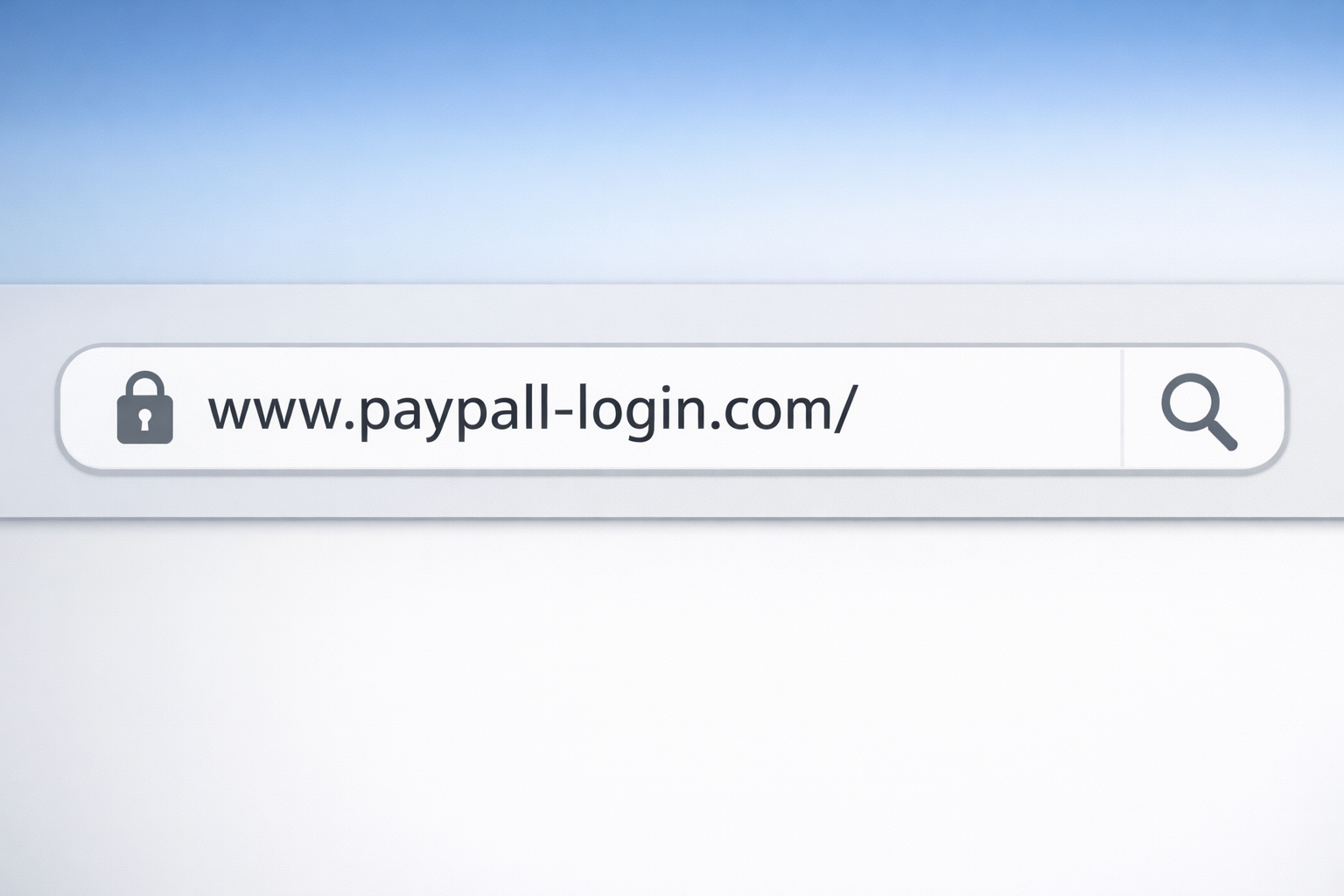
- A look‑alike domain such as micros0ft-login.com or secure‑paypa1.com, where a single character is swapped or subtly altered. At a quick glance, the address looks legitimate.
- An unexpected pop‑up on a real website stating that your session has expired and you must log in again. In reality, the pop‑up is a spoofed overlay designed to capture credentials.
- A browser notification or alert claiming to come from your browser itself, warning of a security issue or prompting you to sign in to continue.
Because these attacks often rely on urgency and familiarity, users may instinctively comply without stopping to question what they’re seeing.
Red Flags to Slow Down and Look Closer
Even with sophisticated spoofing techniques, there are still warning signs users can be trained to notice:
- You are asked to log in when you aren’t trying to access that service
- The message or page creates urgency, such as “Your account will be locked” or “Immediate action required”
- Small inconsistencies in branding, wording, or formatting that don’t quite match what you normally see
- Requests for information that companies would not normally ask for, such as passwords, MFA codes, or payment details via a web form
- Browser behavior that feels unusual, such as repeated login prompts, unexpected extensions, or notification requests you did not initiate
Our monthly security awareness training uses examples like these to help users pause, verify, and report suspicious activity instead of reacting automatically.
A Real‑World Example: The Stanley Website Spoofing Toolkit
A recent real‑world example highlights just how advanced website spoofing has become.
Security researchers uncovered a malware toolkit known as “Stanley,” which is being sold to cybercriminals as a ready‑made phishing solution. What makes this toolkit particularly dangerous is its ability to overlay fake phishing pages on top of real, legitimate websites without changing the URL shown in the browser.
In other words, a user could visit a legitimate site, see the correct web address in their browser, and still be shown a malicious login page designed to steal their credentials.
This technique bypasses many of the traditional checks that users rely on, such as “Does the URL look right?” or “Am I on the real website?” It’s a perfect example of why attackers are increasingly targeting human trust instead of technical weaknesses.
The Stanley toolkit has been marketed as easy to use, customizable, and capable of slipping past standard security checks, making it more accessible to less‑skilled attackers and more dangerous for everyday users.
Why Training Is a Critical Layer of Defense
Threats like Stanley reinforce an important truth: technology alone cannot stop every attack.
While we deploy layered security tools to protect our clients, ongoing user education is what helps to close the gap. Monthly awareness training teaches users how attackers think, what new tactics look like, and how to respond safely when something doesn’t seem right.
Cybersecurity is a shared responsibility. When users are informed, alert, and empowered to report concerns, organizations are far more resilient against evolving threats.
Staying secure isn’t about fear- it’s about awareness, consistency, and knowing what to look for in a constantly changing digital world.